.svg)




Discover why a cloud migration assessment checklist is crucial. Learn how assessing workloads first can prevent unexpected costs and downtime.

October 7, 2026
Assessing your workloads before picking a cloud provider leads to fewer costly changes and a smoother migration. Starting with readiness, not the platform, prevents avoidable disruption and expense.
When a business migrates to the cloud without first checking whether its systems are ready, the fallout usually shows up later as rework, unplanned costs, or downtime while teams scramble to make things fit.
A cloud migration assessment checklist exists to catch these problems before they start, yet many organisations in Canberra still reach for a cloud provider before they understand what their workloads actually need.
That order matters more than it seems. Deciding whether your workloads are ready before picking a platform can save you from expensive changes further down the track.
Jump straight to a provider, and you risk discovering too late that your existing systems don't fit as neatly as you'd hoped. Extra work, added costs, and downtime tend to follow while you try to force the fit.
A careful assessment of your current workloads, done before you commit to any platform, gives you a much clearer sense of what's possible and what's risky. That clarity is what keeps a migration plan on track instead of derailing halfway through.

Picking a cloud provider first feels like the natural move. It's decisive, it gives you a sense of direction, and it feels like progress. But that sense of progress can be misleading if your workloads don't match the platform's strengths or limits.
Start with the provider, and you're stuck fitting your systems into their way of working. If your applications or databases need something the platform doesn't offer, you're left redesigning them after the fact. That's precisely where costs and delays begin to stack up.
Flip the order, though, and assessing your workloads first gives you a clear picture of what you actually need. From there, you choose the platform based on those needs rather than the other way around, and that single change in sequence can make the whole migration smoother and considerably less risky.
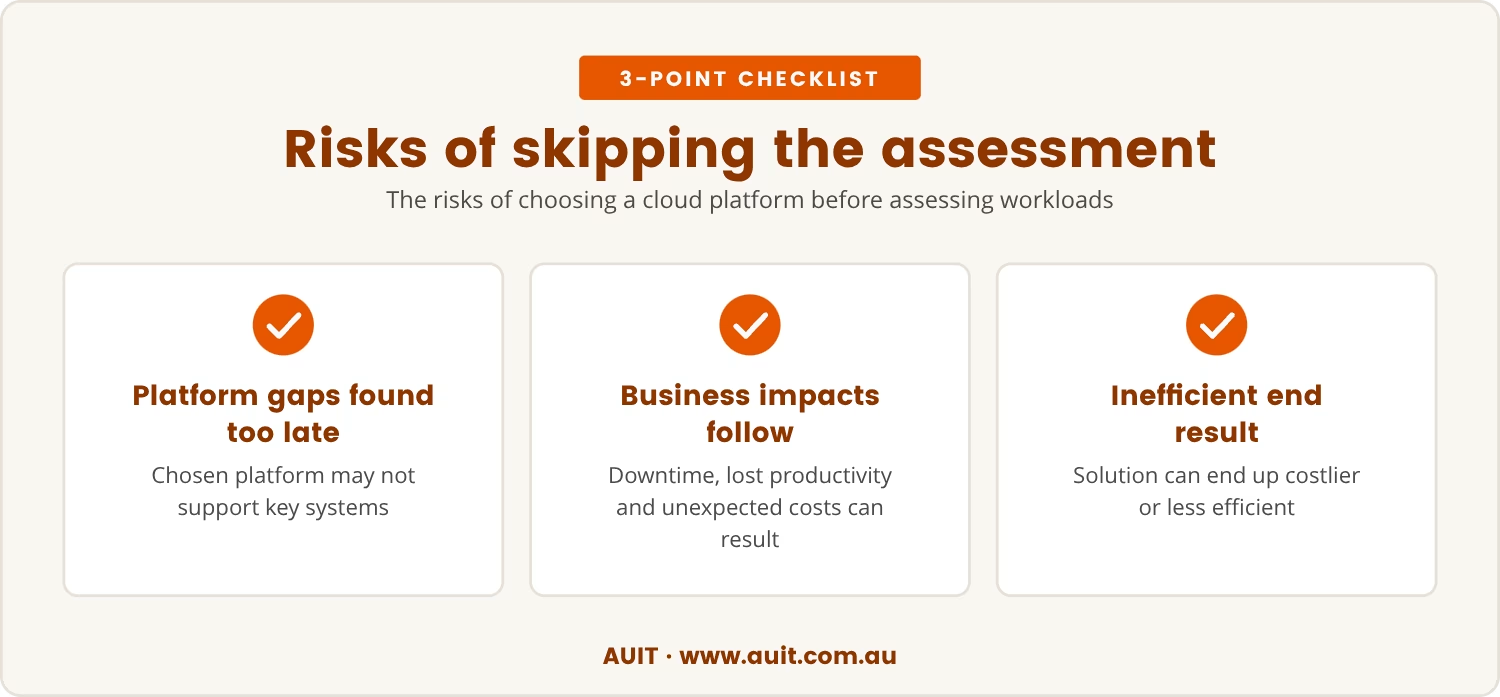
Skip the readiness assessment, and a cloud migration tends to create several problems at once. The most common is discovering too late that the chosen platform doesn't support some of your key systems.
That discovery usually forces re-architecture, where applications or databases need to be changed just to make them work. This isn't only a technical headache, either — it's a business risk, and downtime, lost productivity, and unexpected costs tend to follow close behind.
Even when everything eventually runs, the result can be a solution that's less efficient or more expensive than it needed to be. For Canberra businesses that depend on reliable systems day to day, these risks carry even more weight.
A cloud migration assessment checklist isn't just a set of boxes to tick; it's a tool for understanding your current environment before making decisions about its future. Used ahead of picking a provider, it turns guesswork into groundwork.
Run through the checklist first, and you:
Taken together, these steps put you in control over the migration rather than leaving you to react to problems as they surface. You end up planning ahead and making choices that genuinely fit your business.
A readiness assessment goes beyond technical checklists; it's about building a migration plan that matches your business goals without unnecessary disruption along the way.
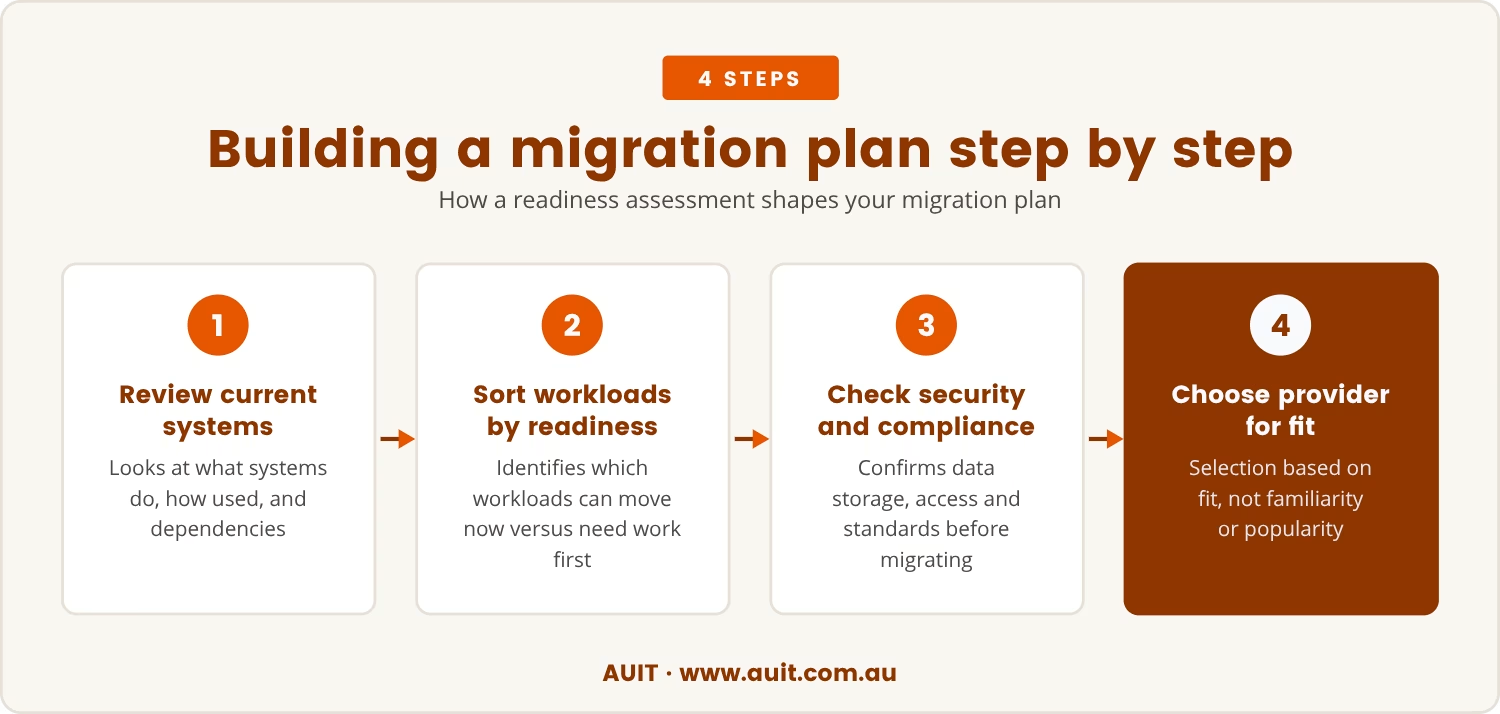
It starts with a look at your current systems — what they do, how they're used, and what they depend on. That view shows which workloads are ready to move now and which still need work first.
From there, security and compliance come into focus. For Canberra businesses, this often means checking how data is stored and who can access it, since handling sensitive information means confirming the new cloud platform meets the right standards before, not after, the move.
Only then does provider selection make sense, chosen for fit rather than familiarity or popularity. Built this way, the migration strategy rests on facts rather than assumptions.
A thorough migration assessment covers several distinct areas, each feeding into the next.
List all applications, databases, and services you use. Note how critical each one is to your business.
Check if your existing systems will run on different cloud platforms without major changes.
Identify any industry or local rules you must follow, especially around data storage and privacy.
Estimate the true cost of moving each workload, including any changes you'll need to make.
Work out how to keep your business running during the migration process, and set realistic expectations for any downtime.
Understand how your systems connect to each other, so nothing breaks during the move.
Skipping the readiness assessment can look like a shortcut, but it tends to store up bigger problems for later. Among the issues that surface:
For Canberra businesses, local context adds another layer to all of this. Regulations, data residency requirements, and the need for reliable systems all shape the migration decision before a provider is ever chosen.
Starting with a readiness assessment lets you check whether your workloads meet these local needs before committing to a platform. That sequencing helps you sidestep surprises and keeps the migration on track, even as local rules shift or new requirements emerge.
Taking time to assess workloads before choosing a platform can feel like a delay, but it functions as an investment in a smoother migration. Costly surprises get avoided, downtime shrinks, and the resulting solution actually fits the business it serves.
Build the migration plan around what your systems genuinely need, and you're far less likely to hit problems that force a restart. That's ultimately why the assessment-first approach delivers stronger results, particularly for businesses that can't absorb unnecessary disruption.

If you’re running a business with 20 to 100 users, you might be weighing up your cloud options and wondering where to start. At AUIT, we understand that making the right decisions early can save you time and money down the track.
We invite you to talk with us about your current systems and how a readiness assessment could shape your migration plan. Let’s look at your real needs before you commit.
Your next step is to review your workloads before making any cloud decisions. We can help you map out what’s needed for a smooth migration.
Start by listing all your applications and systems, then check if they have any technical or compliance requirements that could affect migration. A readiness assessment helps you spot potential issues before you move.
Your migration plan should map out each phase of the move, identify dependencies, and include steps for testing and fallback. Planning for downtime means you can keep your business running smoothly during the transition.
Yes, plenty of assessment tools can help analyse your workloads, check compatibility, and estimate costs. These tools work fastest and most accurately when paired with a careful manual review.
Skipping the assessment can lead to hidden incompatibilities, unexpected costs, and compliance risks. It often results in more disruption and a less efficient migration process.
Compliance rules can limit where your data is stored and how it's handled. Skip these checks before choosing a provider, and you may face expensive changes later or run into legal issues.
.jpg)