.svg)




Discover how an IT risk consultant can transform your risk management by connecting insights to real business stakes, enhancing your tech risk strategy.

October 9, 2026
What we keep hearing from small businesses is that they often wait until something breaks before thinking about tech support. This habit usually leads to bigger problems and more expensive fixes down the track. "Proactive small business tech support prevents costly downtime and keeps your business running smoothly." Industry research shows that many small companies underestimate how much lost productivity comes from IT issues that could have been avoided with regular support service.
Small business tech support is more than just fixing computers when they stop working. It covers everything from setting up secure networks to helping your team with day-to-day tech questions. The goal is to support your business so you can focus on what you do best, knowing your systems are reliable and protected. Whether you need remote IT support or on-site help, having a support team in place is essential for keeping your business operations stable as your business grows.
Many small businesses believe that tech support is only necessary when something goes wrong, but this approach can leave you exposed to risks. Small business tech support is about creating a reliable system that helps protect your business, supports your team, and keeps your business running smoothly every day. It includes everything from help desk support to managed service plans, all designed to match your business needs.
A good support service can help you avoid common mistakes, like using outdated software or ignoring security updates. With the right support team, you can focus on growing your business, knowing your technology is in safe hands. As your business grows, your IT needs will change, so having flexible support options is important to keep up with your goals.

Even experienced business owners can make simple mistakes with their IT setup. Here are some of the most common issues we see and why they matter.
Many owners only call for help when systems crash. This reactive approach can lead to longer downtime and higher repair costs. Regular check-ups and maintenance from a support provider can prevent these problems before they start.
Depending on a single staff member or an unqualified friend for IT support can be risky. If that person is unavailable or lacks the right skills, your business could be left without help when it matters most. A team of support specialists offers broader knowledge and more reliable coverage.
Skipping software and security updates leaves your systems open to cyber threats. Managed IT support ensures updates are installed on time, reducing your risk of data breaches and downtime.
As your business grows, your IT needs will change. Failing to plan for this can cause bottlenecks and slow your progress. Comprehensive IT support services help you scale your systems as you add new staff or locations.
Without regular backups, you risk losing important data if something goes wrong. Reliable IT support includes backup solutions that keep your information safe and easy to recover.
Going for the lowest-cost support solutions can mean poor service and more problems down the track. Affordable small business IT support should still offer quality and reliability.
Here are some of the main advantages you get from using professional IT support:
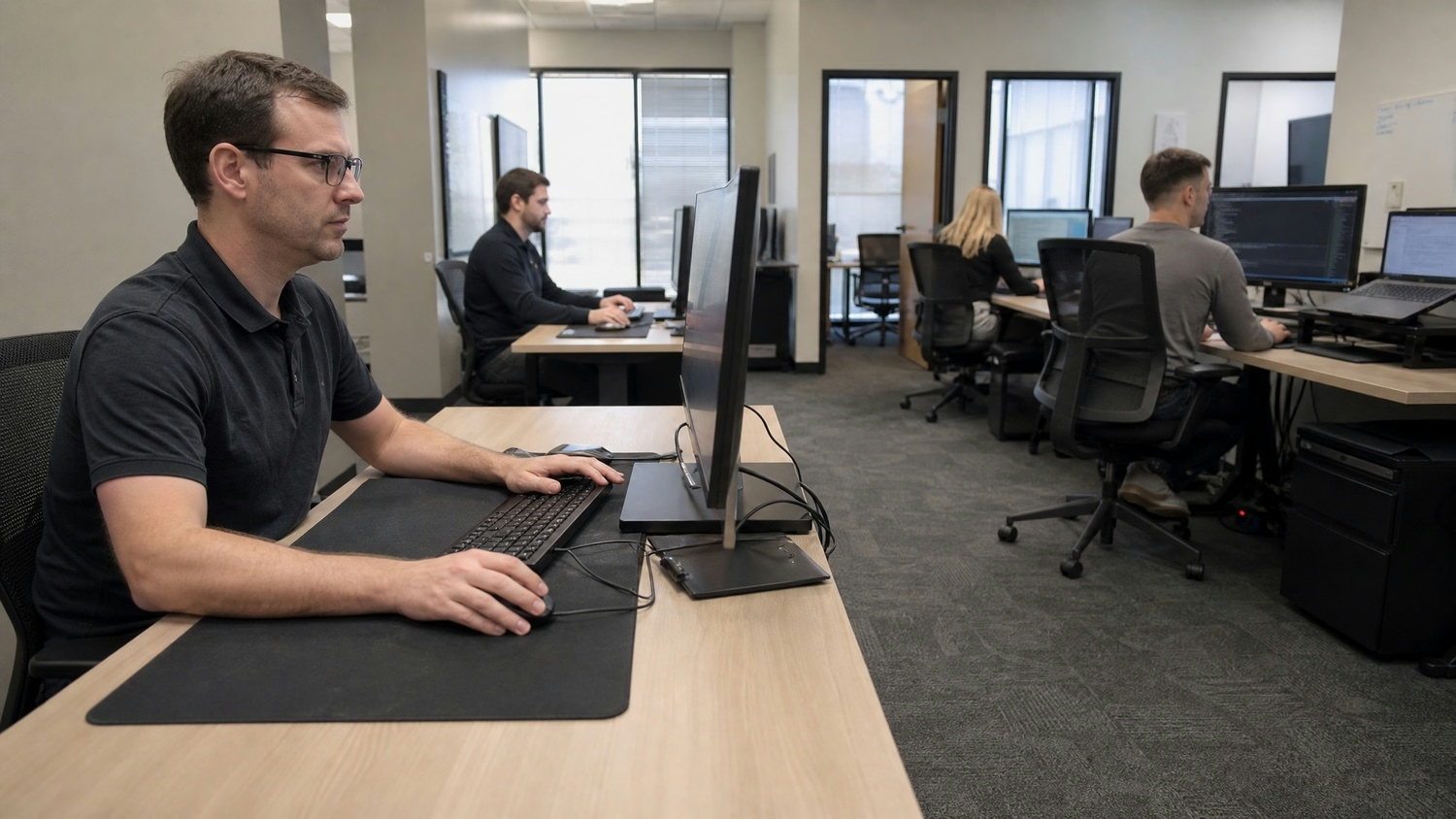
Support for small businesses is not just about fixing problems—it’s about preventing them. When you have a reliable IT support provider, you can avoid common disruptions that slow down your team and frustrate your customers. This means fewer interruptions and more time spent on what matters most: running your business.
Having access to local IT support also means you get help that understands your unique challenges. Whether you need quick remote support or someone on-site, a good support team will adapt to your needs. They can also help you stay compliant with any industry rules, keeping your business safe from fines and legal issues.
Every small business is different, so your IT support plan should match your goals and operations. Here’s how to build a plan that works for you.
Start by reviewing your existing technology. Identify what’s working, what needs improvement, and where you’re most vulnerable. This helps you see where support services for small businesses can make the biggest difference.
Decide which areas need the most attention—like security, backup, or software updates. Focus your resources on the most important risks first.
Look for a provider with experience in small business IT support services. They should offer both remote and on-site support and be able to explain solutions in plain language.
Schedule regular check-ups and updates to keep your systems running smoothly. Managed IT support can handle this for you, so you don’t have to worry about missing important updates.
Make sure your staff knows how to spot common tech issues and follow basic security practices. Support specialists can provide training as part of your comprehensive IT support plan.
As your business grows, revisit your IT support plan to make sure it still fits your needs. Flexible support options let you scale up or down as needed.

Getting started with small business tech support doesn’t have to be complicated. First, talk to your team about their biggest tech frustrations and what slows them down. This helps you see where support can have the most impact. Next, reach out to a provider who understands small business IT solutions and can offer a plan that fits your budget and goals.
Once you’ve chosen a support provider, work together to set up regular maintenance, security checks, and backup routines. Make sure your staff knows who to call for help desk support and how to report issues quickly. Over time, review your support plan to keep up with changes in your business and technology, so you’re always protected.
Even with a good plan, there are some challenges that small businesses often run into:
It’s important to address these challenges early so your IT support stays effective and flexible.

Are you a business with 20 or more employees looking for reliable small business tech support? If your team is growing and you need support that keeps up with your business, we’re here to help. Our team understands the unique needs of small businesses and can tailor our services to fit your goals.
We know that strong IT support is about more than just fixing problems—it’s about preventing them and helping your business grow. If you want to protect your business and keep your systems running smoothly, contact us today to find out how AUIT can deliver the small business IT solutions you need.
A support service for small businesses usually covers everything from daily help desk support to advanced security and backup solutions. You get both remote IT support and on-site support, depending on what your business needs most. This helps keep your business running smoothly and reduces downtime.
By working with a support team, you can also get advice on how to protect your business from cyber threats and make sure your systems are always up to date. This support helps you focus on your business operations without worrying about technology issues.
Local IT support gives you fast, personalised help when you need it. A team that understands your area and industry can offer solutions that fit your business needs and help your business grow. They can provide on-site support quickly if needed, so problems get fixed before they become bigger issues.
Having a local support team also means you get advice that matches your business goals and the way you work. This can make your technology more reliable and help you keep your business running smoothly.
The benefits of IT support for small businesses include faster problem-solving, better security, and less downtime. Support specialists can set up regular maintenance, monitor your systems, and provide training for your staff. This keeps your technology working and your team productive.
Reliable IT support also helps you avoid costly mistakes, like losing data or falling behind on updates. With the right support, you can focus on growing your business and meeting your customers’ needs.
When choosing a support provider, look for one with experience in small business IT support services. They should offer flexible support options, including both remote and on-site help. Ask about their response times and how they handle emergencies.
A good provider will take the time to understand your business needs and explain solutions in plain language. This helps you build a partnership that supports your business as it grows.
Comprehensive IT support goes beyond just fixing problems when they happen. It includes proactive monitoring, regular updates, and advice on improving your systems. This helps prevent issues before they affect your business.
With comprehensive support, you get a full team of experts who can handle everything from security to backup and recovery. This lets you focus on your business while knowing your technology is in safe hands.
Affordable small business IT support helps you avoid expensive repairs and lost productivity by preventing problems before they start. Regular maintenance and updates keep your systems running smoothly, so you spend less on emergency fixes.
By investing in support solutions that fit your budget, you can protect your business and keep your team working efficiently. This means you get more value from your technology without overspending.
.jpg)